
Open NV Casino
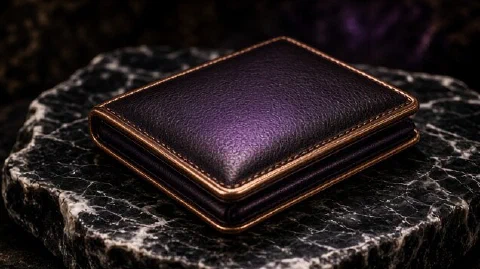
A dark wallet with a copper rim and a soft violet reflection

Cashier · e-wallet

MiFinity at NV Casino

NV Casino lists MiFinity as an e-wallet. If it appears for your account, compare the currency and amount with what your wallet shows.

18+ Play within your limits.

Listed as
E-wallet
For your account
Check deposit and withdrawal options

MiFinity as a wallet option

Jump to a section

Compare both currencies before you confirm

Look for MiFinity among the Cashier options. If it is listed and you keep money in more than one currency, compare the currency and amount in the payment details with what you see in the wallet. Confirm the total before you proceed.

Check ownership and keep a payment record

Use a wallet in your own name. After the transaction, find it in your Cashier history and keep the matching wallet record to hand. Compare the entries before asking support to trace a payment.

Find out whether the wallet can receive the payout

Check the withdrawal options separately before depositing. NV Casino generally sends withdrawals to the method used for the deposit. If you are weighing a wallet against a bank payment, see the Rapid Transfer checks and the cashier overview. The withdrawal guide explains what to check if a payout is already in progress.

MiFinity at a glance

Before confirming
Compare the Cashier and wallet currencies
Before depositing
Check how funds could return before depositing Withdrawal guide

Check the payment currency

Compare the total with your MiFinity wallet before authorising the transaction.

18+ · Play within your limits.

MiFinity questions

What if the wallet and Cashier show different currencies?

Check the total and currency on both screens before going ahead. If they are unclear, ask support to clarify.

Where can I look up a payment I made?

Use the transaction history in the Cashier and compare the entry with your wallet record.